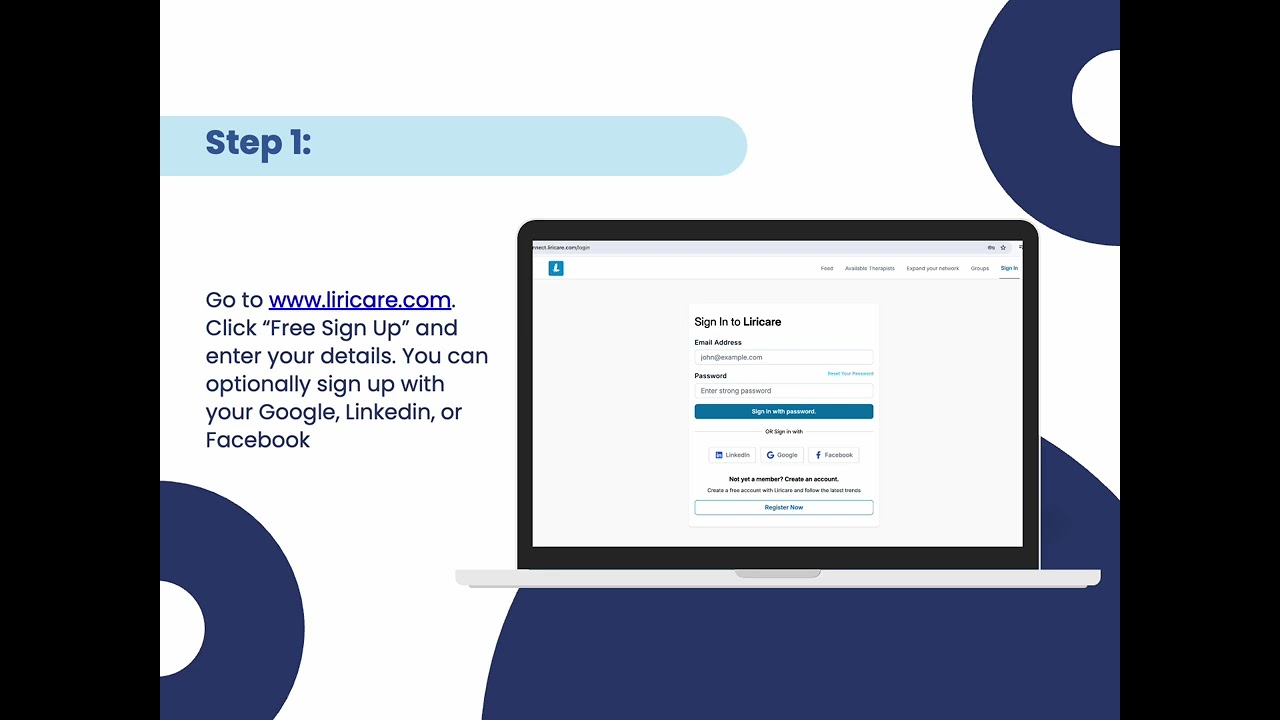
Over the past few weeks, we’ve seen a lot of therapists join the Liricare community, which has been amazing to see. Many of you have asked what you can actually do on the platform beyond just having a profile, so I wanted to quickly share a few ways you can use it:
• Use Liri AI to reduce documentation time (SOAP notes, reports, etc.)
• Use the scheduler to manage your availability and sessions
• Connect with other therapists and join Q&A discussions (you can also post anonymously)
• Find job opportunities from school districts and organizations
• Sell or buy therapy materials on the digital marketplace
• Share posts and engage with the professional community
If you're already signed up but haven't explored everything yet, I definitely recommend taking a few minutes to look around. There's a lot built in that most people don't realize at first.
Here are a few quick tutorials if you want to get started:
Liri AI:
https://www.youtube.com/watch?v=EWI3BSJRB3I&t=2s
Scheduler:
https://www.youtube.com/watch?v=HvETsW1TRNs
If you'd like a quick walkthrough of the platform or want to learn how
you can best use Liricare, you’re also welcome to book a one-on-one
call with our Director of School Services here:
https://app.liricare.com/anu/free-demo-of-liricare-website
If you have any questions, feel free to comment!